
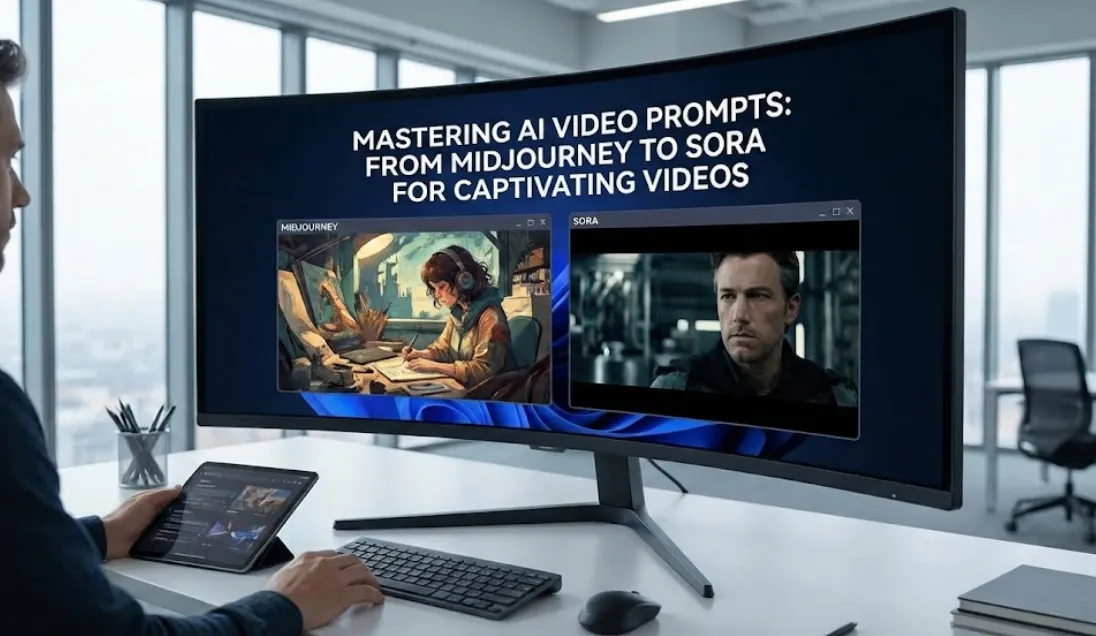
When it comes to AI video generation, getting the AI video prompt right makes all the difference in creating content that people actually stick around to watch. Moving from tools like Midjourney, which handles AI image generation so well, to something like OpenAI’s Sora means adjusting how you think about prompts to include more about motion and flow. This piece walks through the process of writing prompts that hold attention past those quick three seconds, mixing in some hands-on advice with deeper insights for anyone looking to get better at this.
The jump from Midjourney to Sora really changes the game, shifting from static images to full video generation where everything moves and connects over time. Midjourney is great for detailed image prompts that nail visual styles, aspect ratio, and cinematic lighting, but Sora takes it further by weaving in camera motion and sequence details. Figuring out these shifts helps produce AI videos that feel real and keep viewers engaged.
Roots in AI Image Generation and How They Tie into Video Tools
Tools for AI image generation, such as Midjourney, lay the groundwork for today’s video models. These image generators create sharp static images based on text descriptions, focusing on things like visual styles, the right aspect ratio, and effects like cinematic lighting. As you move into video generation, it often starts with a solid image prompt as your foundation, then you build on it with elements that bring in movement.
Take an example where a Midjourney prompt might go something like “a woman in black leather armor on a chestnut horse in a medieval fantasy setting with deep shadows.” With Sora, you expand that to add camera control, maybe panning over the landscape or zooming closer to the action. This draws from prompting techniques that keep everything consistent from one frame to the next.
Places like Hugging Face have communities sharing how image prompts turn into complete AI videos, stressing the value of a strong starting frame in the overall workflow.
Why Video Generation Matters in Today’s Creative Work
Video generation pushes past static images to create dynamic, moving art that can tell whole stories. Platforms like Pika Labs make this accessible, letting you type in text-to-video prompts to whip up short clips. Pika Labs stands out for its straightforward setup, making it easy to test out ideas as an AI video tool without needing a ton of tech know-how.
Sora, on the other hand, brings more sophisticated options, but both depend on good prompt styles to reach that level of cinematic realism. Think about aspect ratio in your prompts; wider formats work for big scenes, while something square might fit better for quick social posts.
Refining videos often involves negative prompts to skip things you don’t want, like fuzzy edges or off lighting. This approach shows up in tools like AI Render Pro, helping polish the end result.
If you’re checking out different options, our roundup of leading AI video generators touches on Pika Labs: check Lensgo Review
Digging into Advanced Prompting for Sora
Handling Camera Motion and Precise Control
Camera motion is essential for AI videos that pull you in. In Sora, you can describe things like a smooth dolly zoom or an orbital pan around your main subject to add real depth. This kind of camera control echoes what you see in pro films, where focal length shifts how viewers see things—wide for broad views, tighter for close-ups.
You might even weave in ambient audio ideas into the prompt, even if the tool itself doesn’t make the sound, to spark thoughts for editing later. Picture prompting “a church bell ringing softly as flying vehicles zip through a futuristic city skyline.”
Working with Timestamp and Anchor Prompts
Timestamp prompts let you map out longer videos by pinning down specific moments, like “at the five-second mark, the character looks straight at the camera.” Anchor prompts hold key parts steady, keeping consistency through the whole thing.
These build on storytelling principles, similar to how shot lists plan out a narrative. People using Pika Labs frequently mix in cutscene prompts for those smooth shifts between parts.
Trying Out Cinematic and GPT Prompts
Cinematic prompts can make your videos feel like mini short films, adding in details like high dynamic range or misty volumetric effects. GPT prompts, pulled from models like ChatGPT, help tweak your starting ideas, offering fresh takes to improve outcomes.
Tools from Skywork AI or Qwen Image Edit let you adjust based on these, shaping raw concepts into something finished.
Practical Tips to Fine-Tune AI Video Prompts
For better viewer retention, build in motion prompts that hook right from the opening. Use language that kicks off with energy: “A woman in black leather armor charges forward on her chestnut horse, with cinematic movement ramping up the suspense.”
Visual styles count a lot—play around with ideas from futuristic fashion shoots or concept art to give your work a unique edge. Steer clear of traps like forgetting about GPU time in your plan; higher-tier options like the Mega plan in Pika Labs give you more room for detailed prompts.
In Midjourney, relax mode encourages a slower pace that can carry over to Sora for more thoughtful videos. For ideas, the Midjourney gallery is full of images that spark video concepts.
Sound design adds another layer, even if prompted just as descriptions: “Suggest ambient sound like distant echoes of footsteps.” This rounded method turns basic prompts into full experiences that draw people in.
Our guide on prompting dives deeper: Mastering AI Prompts: Tips and Examples for Stunning Results.
Real-World Sora AI Video Examples and Ready Templates
From Simple Starts to Complex Templates
Keep it basic at first: “A calm lake at dusk with soft waves, in a lifelike style.” Then level up to: “A lively city street with people and cars, the camera following a biker, sharp cinematic lighting.”
For those on Pika Labs, try templates like “A medieval fantasy clash with flying vehicles and the toll of a church bell” for quick epic pieces.
Blending Negative and Specialized Prompts
Negative prompts help: “Skip any low-res details or warped faces.” Specialized ones like anchor prompts keep character design on track.
Over on Hugging Face, video model samples show how these combine for stronger results.
Tackling Hurdles in Shifting from Midjourney to Sora
A lot of folks run into problems when static images don’t flow right into motion. Fix that by detailing the starting frame clearly in your prompts.
Missing the aspect ratio can mess up framing; always note it for the tool you’re using. Resources like AI Fire Academy have lessons on easing these shifts, sharpening your prompt engineering skills.
Even virtual location scouting in prompts helps picture the setup: “Pick a misty woodland for the intro scene.”
Pairing with Extra Tools to Boost Results
Outside of Sora, mix in AI toolkit pieces. Bundles like Creative Stack from Nano Banana Pro add editing extensions for videos.
The image-to-video workflow in Pika Labs often begins with Midjourney creations, kicking off with the /imagine command for solid bases.
Pro plan users get access to extend features for stretching clips longer.
Latest Developments in AI Video Generation as of Late 2025
By December 2025, things have moved fast in this space. OpenAI rolled out Sora 2 back in September, making it more precise with physics, realism, and controls than before. It now handles sound, like dialogue, which opens up new ways to create. There’s even a deal with Disney for fan videos using their characters starting next year.
Pika Labs keeps updating too, focusing on better quality and new features to stay competitive. It turns text or sketches into 1080p videos, and comparisons put it up against Sora 2 and others like Runway.
For transitioning, workflows now include steps like using Midjourney for concepts, then tools like Nano Banana Pro for processing, before finalizing in Sora. Tips include smooth transitions between clips, like cross-dissolves, to keep the flow going.
Growing Your Skills in AI Video Work
Building real expertise means steady practice and sticking to good ethics. Look to guidelines from spots like OpenAI, which push for responsible content to build trust.
Visual storytellers gain from sharing in groups on Hugging Face, where prompt styles keep improving through input from others.
Wrapping up, nailing AI video prompts links AI image generation to robust video making, tapping into camera motion, cinematic prompts, and more. With tools like Pika Labs and Sora, creators can craft videos that really hold interest. Jump in with these ideas to hone what you do and make content that connects.
Our look at agentic AI ties into how these tools are evolving: What Is Agentic AI? The Next Evolution of Generative AI.
For viral ideas, see: AI Video Prompts: Your Guide to Creating Viral YouTube Shorts with 10 Proven Examples.
And for features: 5 Best LensGo AI Features to Try in.