
Artificial intelligence keeps changing how people create content, and LensGo AI fits right into that shift as a straightforward platform for anyone looking to make visuals without much hassle. If you create content for fun or work in areas like marketing where visual storytelling matters, getting familiar with what this tool can do might really help streamline things. This piece looks closely at LensGo AI, pointing out its key strengths and answering typical questions about how it works, what it offers, and other options out there.
What Is LensGo AI?
LensGo AI serves as an AI-powered platform that lets people turn text prompts, images, or videos into fresh visual content. It relies on machine learning to handle inputs and deliver outputs like anime styles or 3D effects. Compared to older editing programs that demand a lot of know-how, this one runs fully online, so both new users and pros can jump in easily.
Built with creative fields in mind, LensGo AI handles tasks from social media posts to teaching aids. Teachers, for example, can build animated explainers, and those in digital marketing might convert plain images into lively videos. The setup through a browser makes it simple to fit into regular routines, skipping any need for installs or tricky configurations. For a solid starting point, take a look at this beginner’s guide called What Is LensGo AI? Your Complete Beginner’s Guide for 2025, where it covers the basics and history.
How LensGo AI Fits into Today’s Content Creation Landscape
With social media platforms like TikTok and Instagram pushing for fast, eye-catching visual content, tools like LensGo AI help by cutting down on time while keeping quality high. The user-friendly interface follows common industry practices for ease of access, and it sticks to privacy rules like GDPR with secure connections such as HTTPS.
People experienced in digital marketing often highlight these kinds of AI tools for opening up creativity to more folks. Looking at feedback from different places shows that LensGo AI shines in mixing automatic processes with personal tweaks. That approach not only sparks new ideas but also promotes responsible practices, like checking copyrights on source materials before changes.
Everyday Use Cases for LensGo AI Across Industries
LensGo AI works well in various situations, proving its flexibility in practical settings. Content creators turn to it for making short videos perfect for social media campaigns, especially when speed counts. In digital marketing, it helps produce marketing videos that match brand aesthetics, letting teams skip full-scale productions.
Social media influencers use it to stand out by turning regular clips into unique pieces with distinct visual styles. For learning environments, it aids in crafting visual aids that break down tough subjects via animations. Amateur video creators and professional filmmakers alike find value here, as it simplifies video editing and enhances projects without overcomplicating things.
Exploring the Top 5 Features of LensGo AI
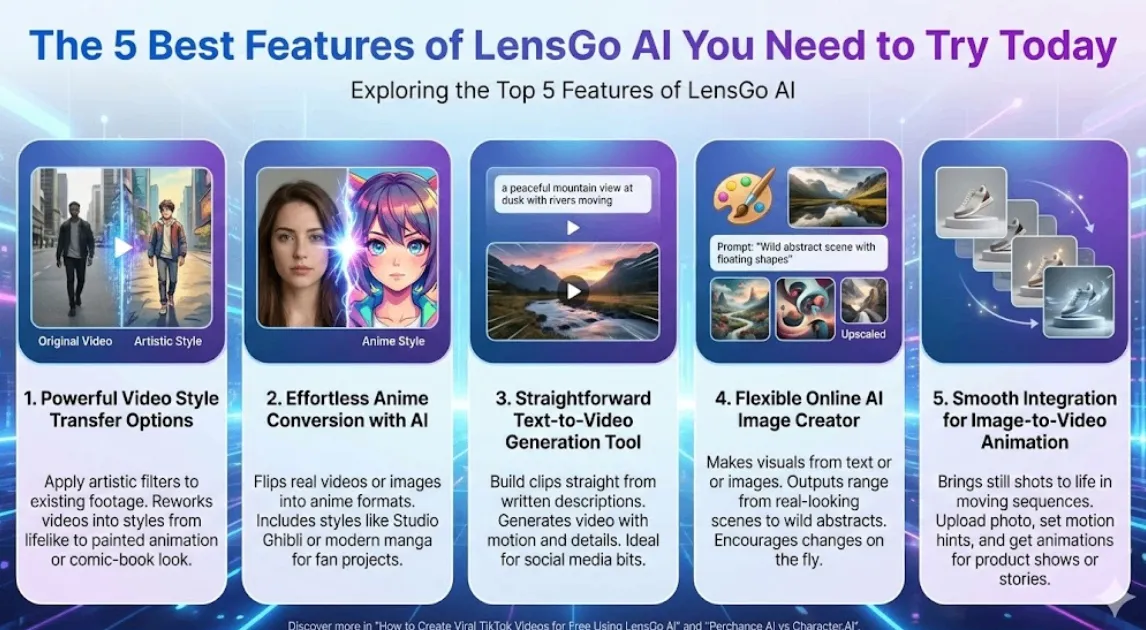
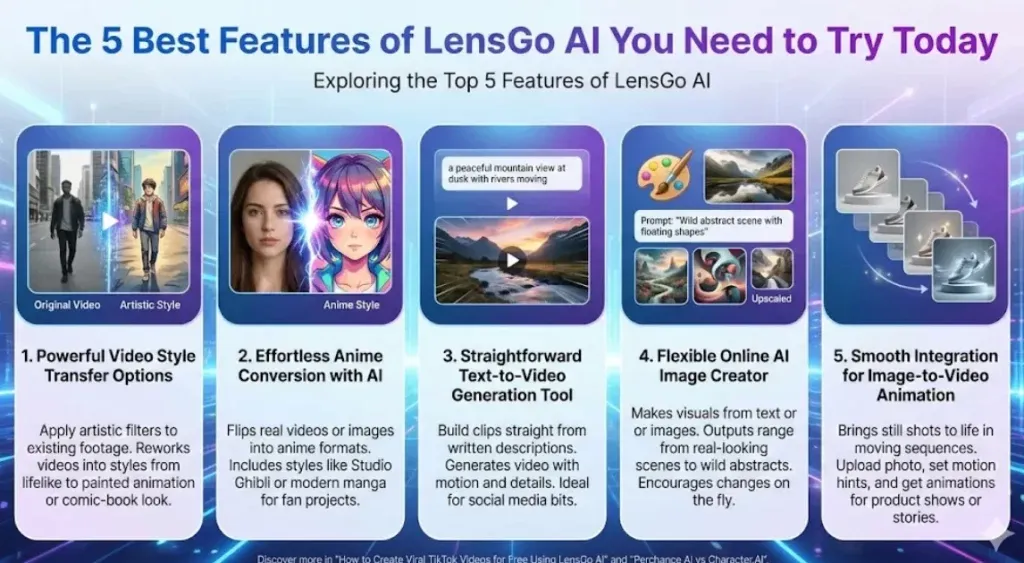
LensGo AI sets itself apart with features geared toward different creative demands. Here, the focus lands on the five strongest ones, complete with tips on weaving them into your work.
1. Powerful Video Style Transfer Options
A standout part of LensGo AI involves its video style transfer, where users apply artistic filters to footage they already have. Deep learning models power this, reworking videos into styles from lifelike to imaginative, like shifting a basic recording to a painted animation or comic-book look.
Users start by uploading video, picking a style preset, and tweaking things like strength or length. The end product keeps the motion intact but swaps in the fresh look. Filmmakers testing out ideas or companies updating older material find this handy. Best results come from starting with clear, high-res inputs to dodge issues like glitches, and it forms part of a wider set for video transformation and effects.
2. Effortless Anime Conversion with AI
Anime fans get a lot from the anime conversion AI, which flips real videos or images into anime formats with bold features and bright hues. Options include styles echoing Studio Ghibli or current manga, suiting fan projects or animated lessons.
You select the mode, add your material, and adjust details like edges on characters or backgrounds. Animation experts use it for quick prototypes, speeding up checks without hand-drawing everything. Sticking to property rights on inputs keeps things credible. This ties into AI art overall, letting people experiment with expressions in simple ways.
3. Straightforward Text-to-Video Generation Tool
The text-to-video AI tool in LensGo AI lets users build clips straight from written descriptions. Type something like “a peaceful mountain view at dusk with rivers moving,” and it generates the video with added motion and details on its own.
Choices for aspect ratio and clip length make it fit for quick social media bits or ad tests. It pulls from large data sets for smooth stories, aiding those who tell tales visually. Beginners do well with basic descriptions first, then layering in more as they go. Check out this guide on How to Create Viral TikTok Videos for Free Using LensGo AI for hands-on steps. It’s a go-to for content creators handling video generation with little fuss.
4. Flexible Online AI Image Creator
LensGo AI acts as a strong AI image creator online, making visuals from text or other images. Outputs range from real-looking scenes to wild abstracts, plus ways to upscale or polish them.
The setup encourages changes on the fly, like shifting colors or elements, creating a back-and-forth between user ideas and AI results. Graphic designers grab quick drafts, and teachers illustrate points effectively. Drawing on design basics builds stronger work, and matching standards like alt text helps with web access. Generative AI here delivers HD images safely, steering clear of copyright troubles when handled right.
5. Smooth Integration for Image-to-Video Animation
The image-to-video animation tops off the list, bringing still shots to life in moving sequences. Upload a photo, set motion hints, and get animations like a fixed image gaining gentle actions.
This suits product shows in online sales or personal stories, with adjustable times and styles. Pairing it with other tools creates mixed content that boosts interaction. See this comparison in Perchance AI vs Character.AI: Best for Roleplay? for animation ideas in fun settings. It expands to video restyling and effects, appealing to a broad range of tasks.
Practical Tips to Get Better Results from LensGo AI
Maximizing LensGo AI means honing your starting points for top-notch outputs. Clear, specific prompts that outline visual aesthetics work best. Try various aspect ratios to suit platforms, such as tall ones for social media posts.
Keep an eye on wait times by simplifying requests, and use remix video features for building on first tries. Custom AI models improve style stability, great for consistent branding. Review everything for quality, tweaking to cut down on AI randomness that could throw off steadiness.
Weighing the Pros and Cons of LensGo AI
Any AI tool deserves a fair look at both sides. LensGo AI brings perks like a free plan with 50 points daily for starters, plus outputs that hold up against pricier options. The dashboard eases learning, and paid tiers allow business use.
Drawbacks include caps on free resolution and added watermarks, which might annoy frequent users. Waits can stretch for detailed jobs, and safety relies on users handling copyrights themselves. Dive deeper into costs with Is LensGo AI Free? 2025 Guide to Plans and Limits.
In the end, it tips positive for everyday and moderate needs, marking it as a solid AI platform choice.
Top Alternatives to LensGo AI Worth Considering
LensGo AI delivers well, but checking other tools helps match your exact fit. For free AI image generation similar to it, Midjourney offers community-based artistic work, though it ties to Discord.
Krea.ai ranks high among LensGo AI alternatives, with strong style transfer and team features. Vidnoz AI focuses on text-to-video with AI avatars and audio, fitting marketing automation. Runway ML provides deep controls for anime conversion, at a steeper price.
Open-source picks like Stable Diffusion give endless local runs but need setup skills. Pick based on factors like cost or output types. Broader views come from Top 10 Perchance AI Roleplay Tools 2025, showing creative links.
How LensGo AI Stacks Up Against Traditional Editing Software
Older video editing like Adobe Creative Cloud calls for deep skills and hours, while LensGo AI automates much of it. Custom model training in LensGo lets you tailor without code.
Tools like Kling O1 emphasize AI rendering for cinematic visuals, but LensGo integrates text-to-image and transformations better. That suits fast changes in ad creatives or influencer routines.
Starting Out with LensGo AI Step by Step
Getting going with LensGo AI stays simple. Head to the site, sign up for initial credits. Test easy prompts in text-to-image to get comfortable, then move to videos.
Track limits to stay smooth, upgrading for more if required. Build in reviews to sharpen inputs. For niche uses like detective visuals, try Top 10 Private Investigator AI Tools in 2025.
Handling Support and Extra Help for LensGo AI
LensGo AI includes reliable customer support via live chat and account managers for higher plans. New users can set up a kickoff call for full feature grasp, smoothing the experience.
The team responds fast to questions, from tech fixes to special requests. Linking a Google account eases entry. Guides on models and training avoid snags like watermarks on free outputs.
Security, Privacy, and Ethical Use in LensGo AI
LensGo AI prioritizes safe handling, with features that align to standards for data protection. Users should focus on ethical sourcing to avoid copyright issues, building trust in outputs.
Privacy comes through encrypted processes, and tips include checking post archives for compliance. This ensures responsible content creation in areas like AI agents or video animation tools.
Real-World Examples and Success Stories with LensGo AI
Many have shared how LensGo AI boosted their work. A marketer created cinematic product visuals quickly for campaigns, saving time. Influencers used AI coloring and filters like Ghibli for engaging posts.
Amateurs turned ideas into professional-looking shorts, while filmmakers prototyped with custom models. These stories show its role in diverse setups, from viral ad insights to everyday digital content creation.
Conclusion: Boost Your Creative Work with LensGo AI
LensGo AI marks a key step in AI for content creation, mixing simplicity with strong tools for current needs. Exploring these features opens doors in projects, for hobby or job growth. Keep up via spots like the AI category to stay ahead. Which one catches your eye first? Thinking about your aims can steer you to great results.