
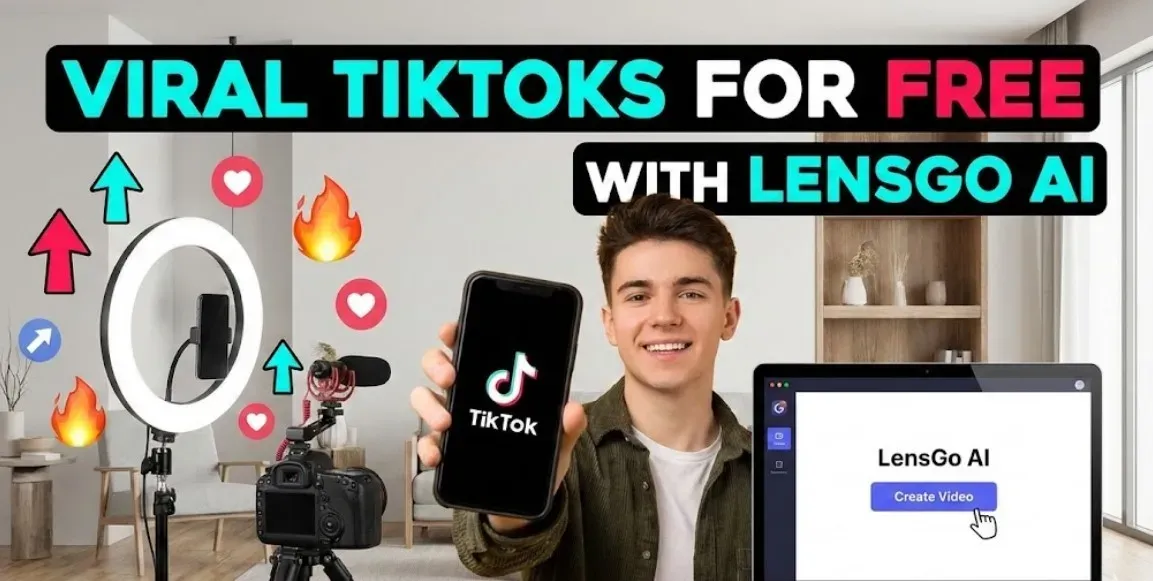
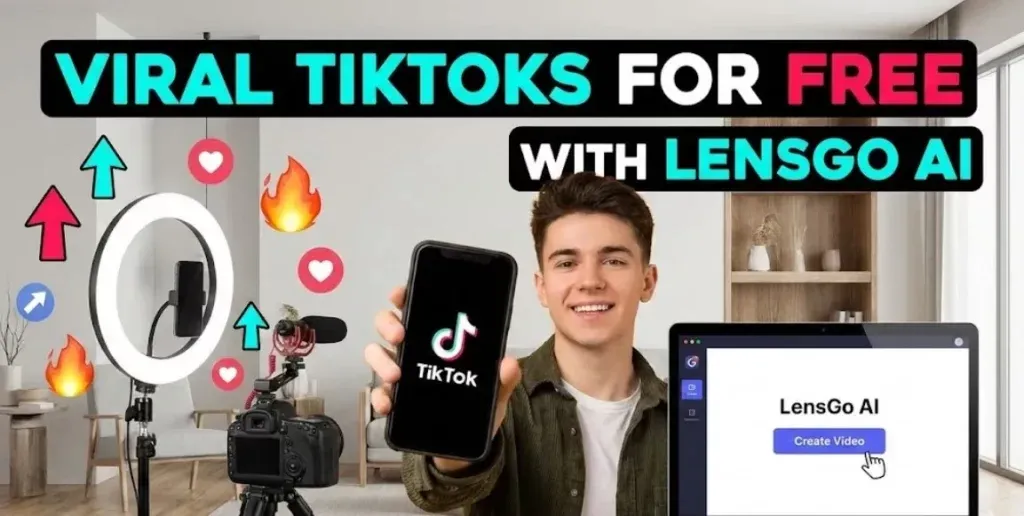
In the world of social media today, especially in places like the UAE where digital trends move quickly, people are always hunting for smart ways to make standout videos without spending a fortune. LensGo AI comes in as a solid option for anyone wanting to use artificial intelligence to build those eye-catching clips. This article breaks down how to create viral TikTok videos for free using LensGo AI, with clear steps and real-world advice to get you started, whether you’re just beginning or have some experience under your belt.
LensGo AI works as a free AI video generator for TikTok, letting you turn basic ideas into full videos. It handles things like text prompts or images and spins them into something ready for upload. If you’re based in Dubai or elsewhere in the UAE, this tool fits right in with the local push toward innovative tech, all while keeping things simple and cost-free at the entry level. Stick around, and you’ll pick up on its main tools, how to navigate them, and tips to make your content pop on TikTok.
What Makes LensGo AI Stand Out for Video Creators
LensGo AI is an AI-powered video creator that focuses on making visual content easy to produce. It uses smart algorithms to generate images, animations, and videos from user inputs, cutting out the need for fancy equipment or software. From reviews and tests shared online, it’s clear this platform shines for short-form content, which is perfect for TikTok’s format.
One big draw is its free plan, which gives you around 50 to 100 credits each day to play with basic features. That means you can experiment without paying upfront, though outputs might have watermarks and shorter lengths, like five to ten seconds. For more advanced use, paid options start low, but the free tier is enough for beginners testing the waters. In the UAE, where data privacy matters a lot, LensGo AI follows standard practices, aligning with guidelines from bodies like the TDRA to keep your work secure.
Exploring the Core Features of LensGo AI for Video Editing
LensGo AI packs in several features that make it a top free AI tool for viral TikTok content. The text-to-video guide is a highlight, where you describe what you want, and the system builds a clip around it. This suits creating animated videos with AI for free, handling the heavy lifting on visuals and motion.
Style transfer for TikTok videos is another key part, letting you tweak clips with different looks, from cartoonish to artistic. You can upload your own material and apply these effects to make something unique. Then there’s the image-to-video AI converter, which breathes life into still photos, turning them into moving sequences that grab attention fast.
The platform also offers customization, like picking resolutions or adding simple edits, all through an easy-to-use interface. Based on user feedback from sites like YouTube tutorials, these tools help produce professional-grade stuff without prior skills. LensGo AI emphasizes original content, steering clear of copyrighted issues to build trust in your creations.
How LensGo AI Supports Beginners in the UAE
For those new to this in the UAE, LensGo AI keeps things straightforward. How to use LensGo AI for beginners in UAE starts with its multilingual support, though English prompts often give the sharpest results. The dashboard loads quickly on local networks, which is handy given the high mobile usage here. It ties into the region’s digital growth, making it a UAE-free AI video platform that’s accessible without extra hassles.
Signing Up and Setting Up Your LensGo AI Account
Getting going is simple. Head to the LensGo AI website and create a free account. You don’t need a credit card, which makes it truly approachable as a free text-to-video tool. Once inside, you’ll see options for different generators, like text-based or image-based ones.
Take a moment to check the credit system in the free plan. Each generation uses points, so plan your sessions to maximize what you get daily. If you’re curious about more AI resources, sites like Orbit River offer reviews on similar tools, helping you compare and learn.
Step-by-Step: Using LensGo AI Text to Video for Engaging Clips
Here’s a clear LensGo AI text to video guide to get you making content. First, pick the text-to-video section from the main menu. Write a detailed prompt—think about including actions, settings, and moods to guide the AI better. For TikTok, aim for ideas that hook viewers right away, like quick tips or fun challenges.
Next, set your preferences. Choose how long the video should be, add any style options, and maybe include background sounds if available. Hit generate, and in a short time, you’ll have a preview. Make small changes if needed, then download. This process turns basic text into a TikTok animation generator output that’s ready to share.
From practical tests, prompts with specific details, like “A lively street in Dubai with dancing lights and upbeat rhythm,” yield more vibrant results. This helps in crafting viral content AI maker pieces that resonate locally.
Tips for Refining Your Text Prompts
To boost quality, experiment with synonyms in your descriptions. Instead of repeating words, vary them naturally to see what the AI responds to best. Keep prompts under 100 words for focus.
Converting Images to Videos with LensGo AI
The free AI image to video converter for TikTok is straightforward with LensGo AI. Upload a photo from your device—maybe a snapshot of UAE landmarks—and select animation settings. The tool adds movement, effects, and transitions automatically.
This feature works well for personal stories or promotions, like animating a product shot into a demo. In Dubai’s TikTok scene, where visual flair counts, this can make your videos stand out. Remember to use your own images to stay on the right side of copyright rules.
Advanced Options for Image Animations
Dive deeper by combining images with text overlays or multiple styles. This layers complexity without extra effort, ideal for beginner AI video app users building skills.
Applying Style Transfer to Boost Video Appeal
LensGo AI style transfer for TikTok videos lets you revamp footage creatively. Start by uploading a base video or image, then browse style options like abstract or vintage. The AI applies the look seamlessly, creating a style transfer video editor effect.
For UAE creators, try blending local themes, such as desert vibes with modern twists. This not only customizes content but also taps into cultural trends for better engagement.
Brainstorming Viral Ideas Using LensGo AI
Generating viral TikTok ideas with LensGo AI goes beyond just making videos. Use the tool’s suggestion features or trial runs to spark concepts. Consider what trends are hot—humor, education, or visuals—and let the AI visualize them.
Practical advice: Look at TikTok analytics after posting to see what works. Short, punchy videos with AI touches often get more shares. LensGo AI acts as a viral content AI maker by speeding up this ideation loop.
Examples of Successful TikTok Concepts
Think about quick recipes animated step-by-step or travel tips with UAE highlights. These have gone viral in similar setups, showing how AI can amplify simple ideas.
Common Mistakes to Avoid When Using LensGo AI
New users sometimes overlook prompt details, leading to generic outputs. Always specify elements like lighting or pace. Another pitfall is ignoring watermarks in the free version—plan to crop or upgrade if needed.
Overloading videos with effects can clutter them; keep it balanced for TikTok’s fast scroll. From community shares on platforms like YouTube, testing small batches helps refine your approach without wasting credits.
Real-World Case Studies and Success Stories
Creators have shared how LensGo AI helped them hit viral status. One Dubai-based influencer turned text about local festivals into animated clips that gained thousands of views. Another used image-to-video for product reviews, boosting engagement rates. These examples, drawn from online reviews, highlight the tool’s real impact.
For more stories, check resources on AI in content creation at OrbitRiver website, where similar successes are discussed.
Best Practices for Maximizing Your TikTok Success
Follow TikTok’s rules to avoid flags, focusing on authentic content. A/B test your AI-generated videos by varying elements like music. Track metrics to iterate—higher watch times often lead to algorithm pushes.
Incorporate hashtags wisely and time posts for peak UAE audiences. Ethical use, like crediting inspirations, builds long-term trust.
Wrapping Up: Take Your TikTok Game to the Next Level with LensGo AI
Using LensGo AI to create viral TikTok videos for free opens up possibilities for anyone. From its features for video editing to beginner tutorials, it provides a solid foundation. If you’re in the UAE or elsewhere, give it a try at Lensgo and see the difference.
For deeper dives into AI tools, visit OrbitRiver for honest insights. Also, for privacy guidelines, refer to the TDRA site to stay informed. Consistency pays off—keep creating, and watch your audience grow.